
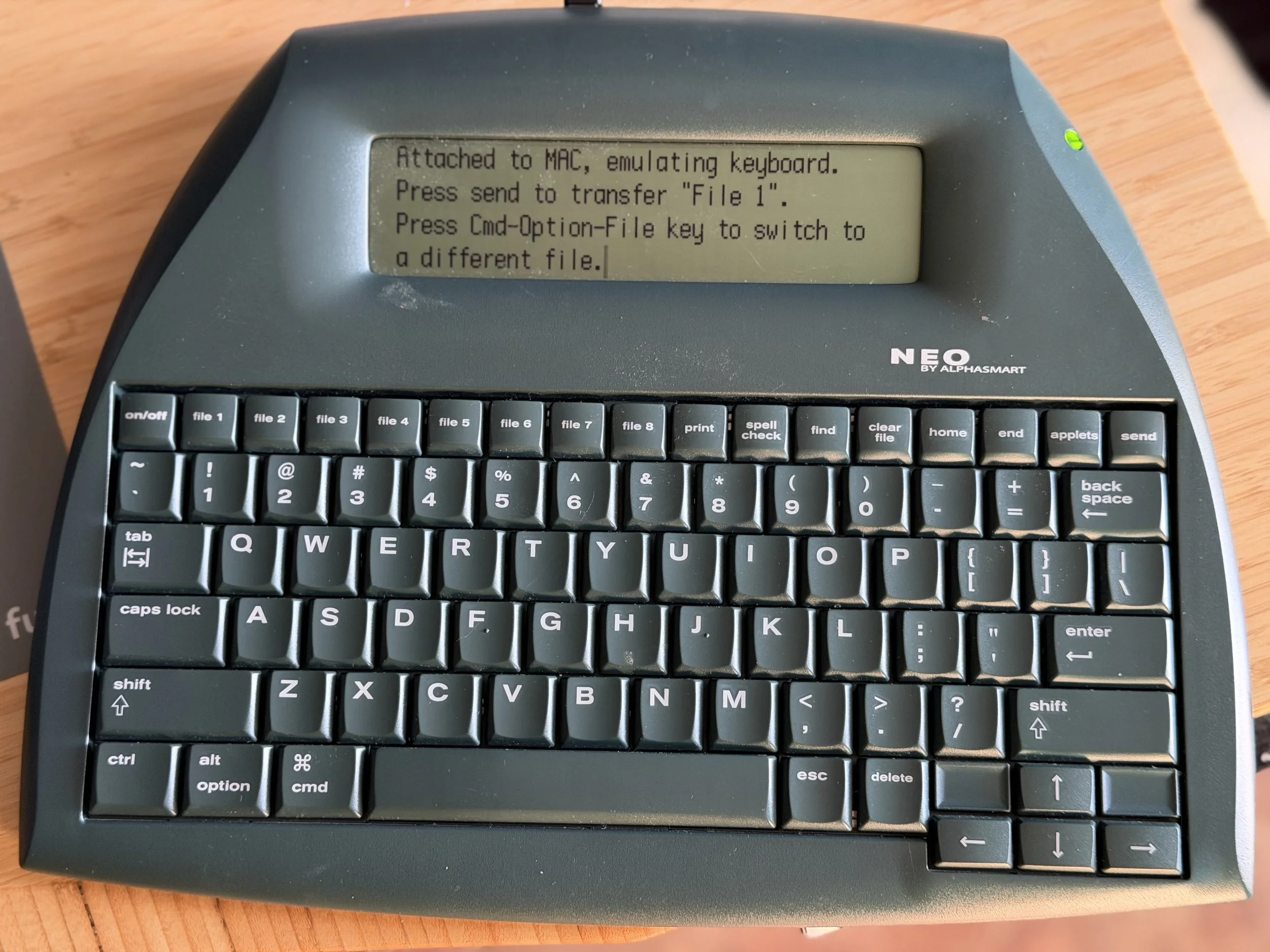
I’m writing this on an antiquated, limited piece of technology from the early ‘oughts. I’m avoiding my nearby devices that have enough computing power to launch an Apollo rocket, in favour of a little keyboard with a non-backlit, black-and-white LCD screen that shows only four lines of text. And I’m loving it.
I recently reduced my collection of antique typewriters. I hadn’t used them in years, and they were just taking up space in my office that I simply didn’t have. This old technology, NEO by Alphasmart, was next on the list. I hadn’t used it in so long that it was dead. But, rather than just recycling it, I decided to replace the three AA batteries that power it and list it online in case anyone was interested in rehoming such a limited-use antique.
With a new battery, I went about testing it, as one does. Do the keys work? Does the screen work? Do I have any data that should be erased prior to passing it on to someone else?
And, while testing the keys and the functions, I fell in love with it again. The simplicity of form and function had me typing a test paragraph that kept growing longer and longer. And soon, that became a stream-of-consciousness babble about how neat the keyboard still feels to type on. Not too clicky, as my friend Stu Lennon knows, annoys me. But just a little soft click as the solid keys are depressed.
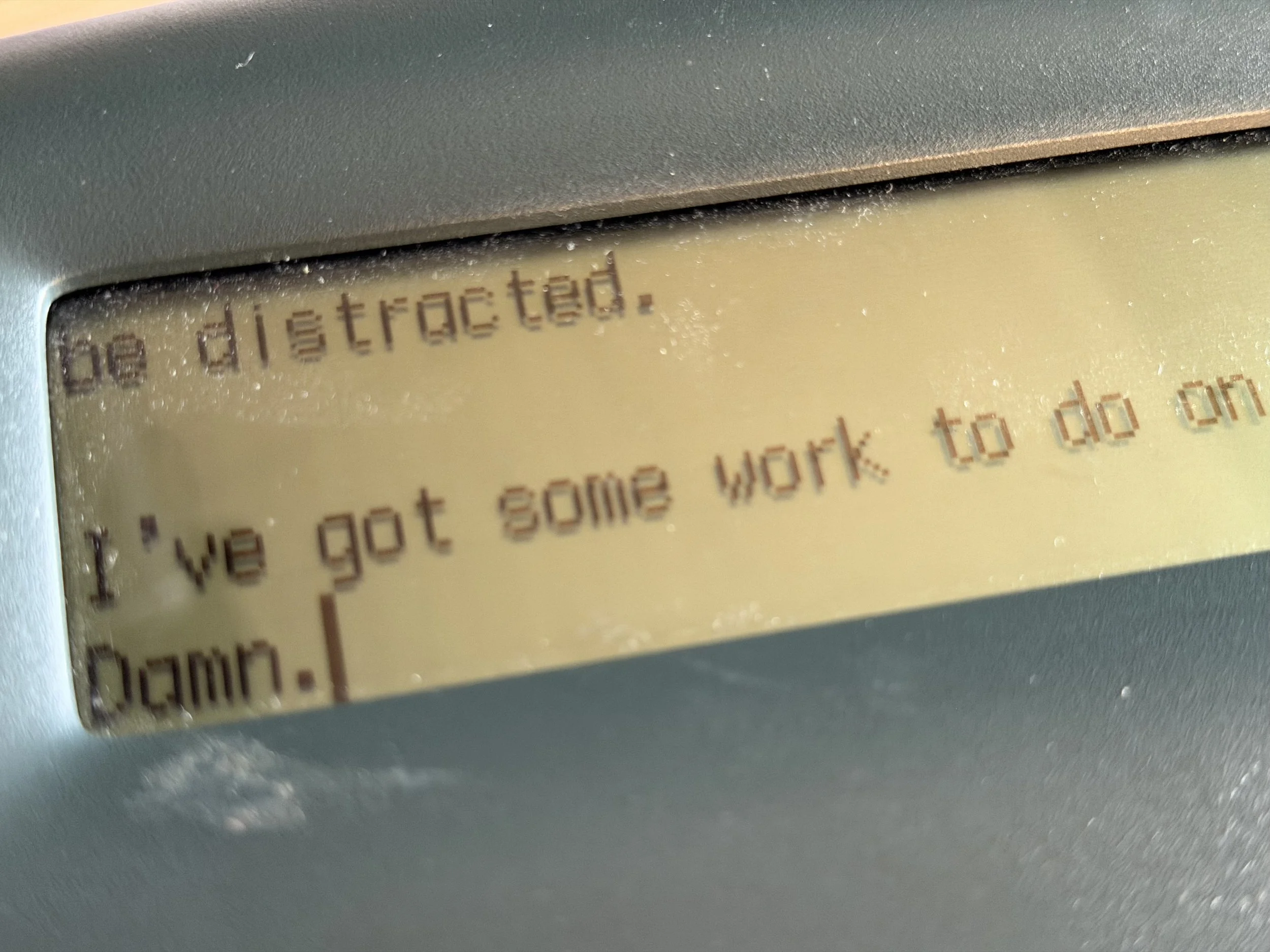
The main feature I found enticing was the lack of features. The cursor is a blinking pipe symbol at the end of a typed line and just moves forward. Editing is challenging, as you move the arrow keys up and down like you’re playing Frogger. There is a rudimentary spell check, but it’s slow and cumbersome to use. Which means you keep writing, and the editor within you gets out of the way. No longer am I interested in second-guessing myself about word choice or spelling, and no swiggly lines show me exactly where the last sentence I wrote could be improved by the predictive quality of a large language model. I just keep writing. Getting the words on a screen.
But what can one do with words on a screen? I know the software that I used to use to connect this to a computer was antiquated back when this was a much newer machine, and I recall that the official software never made it past the 32 to 64 bit software transition that Apple made perhaps a decade ago (note: this is where this device truly shines, as I write that sentence, I refuse to go to another device to look the actual date, but just keep writing). Back to data transfer, this machine has an old USB printer port. A little Google-fu reveals that when connected to a Mac, this machine is recognized as a printer, and if I send the file to a blank document, it “prints” to the screen. Slowly, I may add. But it works, even with an M-series processor. Cool.
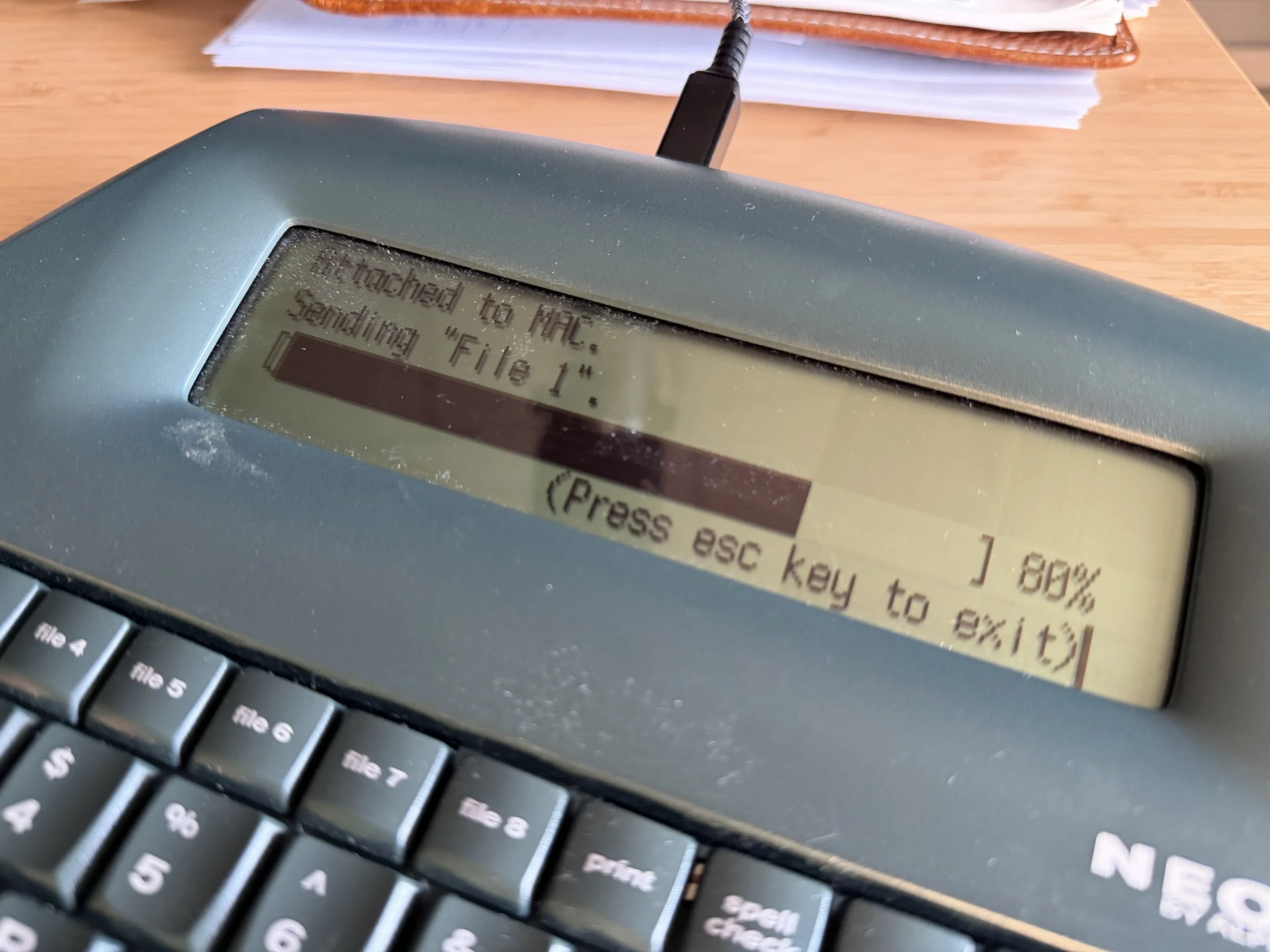
Write and write. No distractions. And then hook to a cable and print into a document on my Mac, where I can then edit, rewrite, reword, have the AI tell me how to do it better, and then post up on a blog.
A blog post in 10-15 minutes of straight writing with no side-quests! It’s been a minute since I’ve done that.
In the end, it’s just a tool. I have plenty of those distraction-free writing tools on my computer. But, they just run in a window, in an environment where there are so many other more important things that I should and perhaps even must be doing. Forcing myself to sit at my other desk, with no other technology around to distract me, is the key reason this tool is better.
Perhaps, even the best I’ve used to help with distraction-free writing in a while. And, it’s much quieter than a typewriter and much easier to get into a digital domain.
Right now, I’m infatuated by it. We will see. How long will it last? But this process has also shown me how easy the temptation is for me to be distracted.
I’ve got some work to do on myself, I see. Damn.